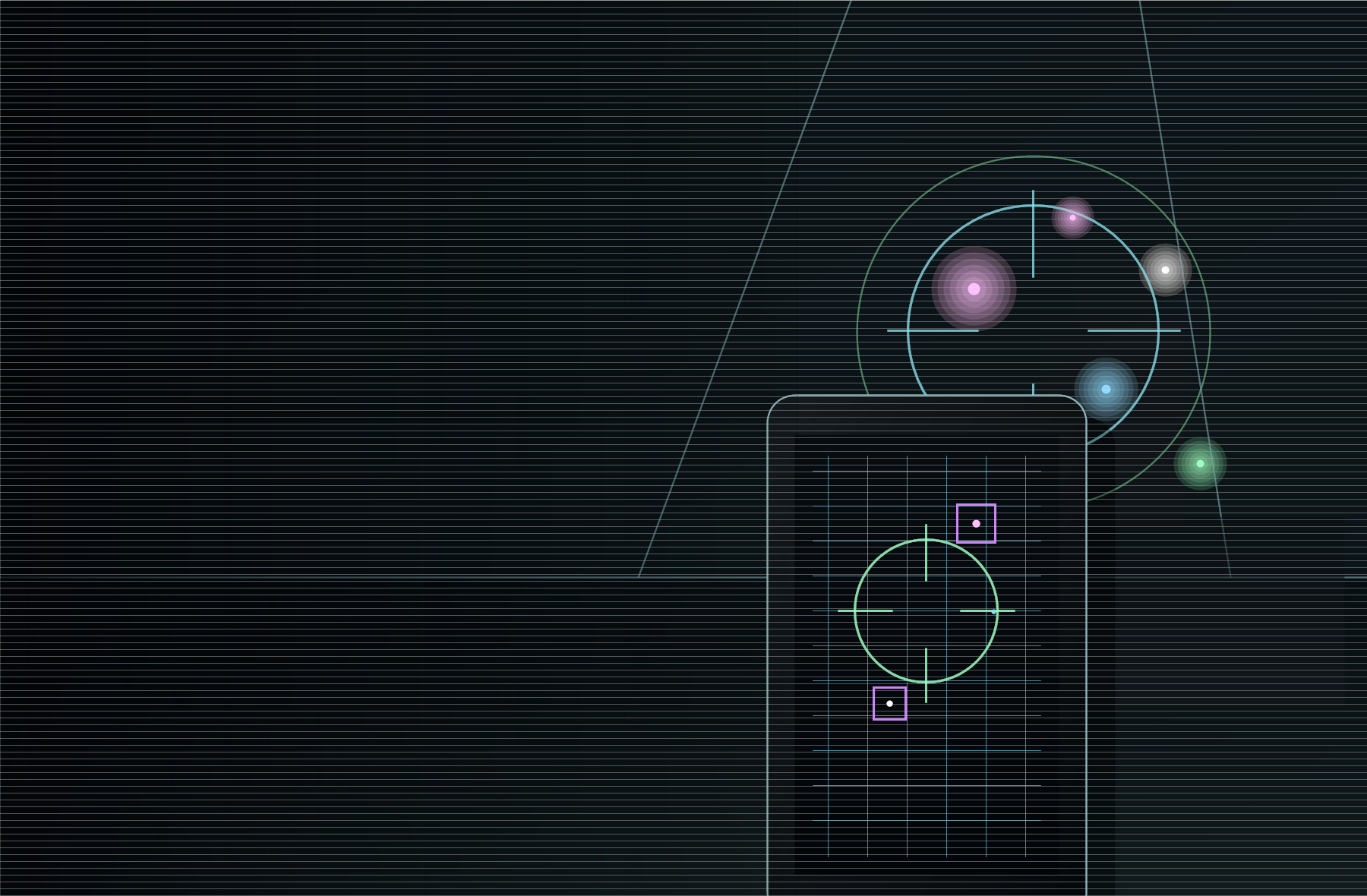
The scan
Find small bright points, not generic device guesses.
LumaTrace processes the live camera feed for tiny high-brightness clusters with strong local contrast and possible white, violet, pink, or blue sensor cast.
It ignores broad bright regions where possible, like lamps, windows, screens, mirrors, and flashlight glare.
Install
Direct APK for your Pixel.
This is a sideload build. Android may ask you to allow installs from your browser or file manager before it can install.
- Download the APK on your Android phone.
- Open the downloaded file.
- Allow installs from that source if Android prompts you.
- Open LumaTrace and grant camera permission when you start scanning.
Reality check
Useful aid. Not a guarantee.
A normal Pixel phone does not have a true IR-only camera. LumaTrace can only detect possible near-infrared light sources that are visible to your phone camera. It cannot detect all hidden cameras, cameras without IR LEDs, thermal radiation, local recording devices, or devices hidden behind opaque materials.
Room flow
Make it dark, move slowly, check both cameras.
- Test the phone first with a TV remote.
- Scan smoke detectors, clocks, USB chargers, outlets, vents, lamps, TV areas, mirrors, routers, air purifiers, and objects facing beds or bathrooms.
- Expect false positives from reflective screws, glossy plastic, mirrors, visible LEDs, alarm clocks, and shiny surfaces.
- If something looks suspicious, take photos or video, do not destroy it, and contact hotel management or local authorities.
Version 0.2.0
Download LumaTrace
Camera-only Android app for possible near-IR light points.
Download APKSHA-256: 3bf6960f6f1e725732986ac84f5af557fb0fd10d1cb3512cfbb3458499a9d12d